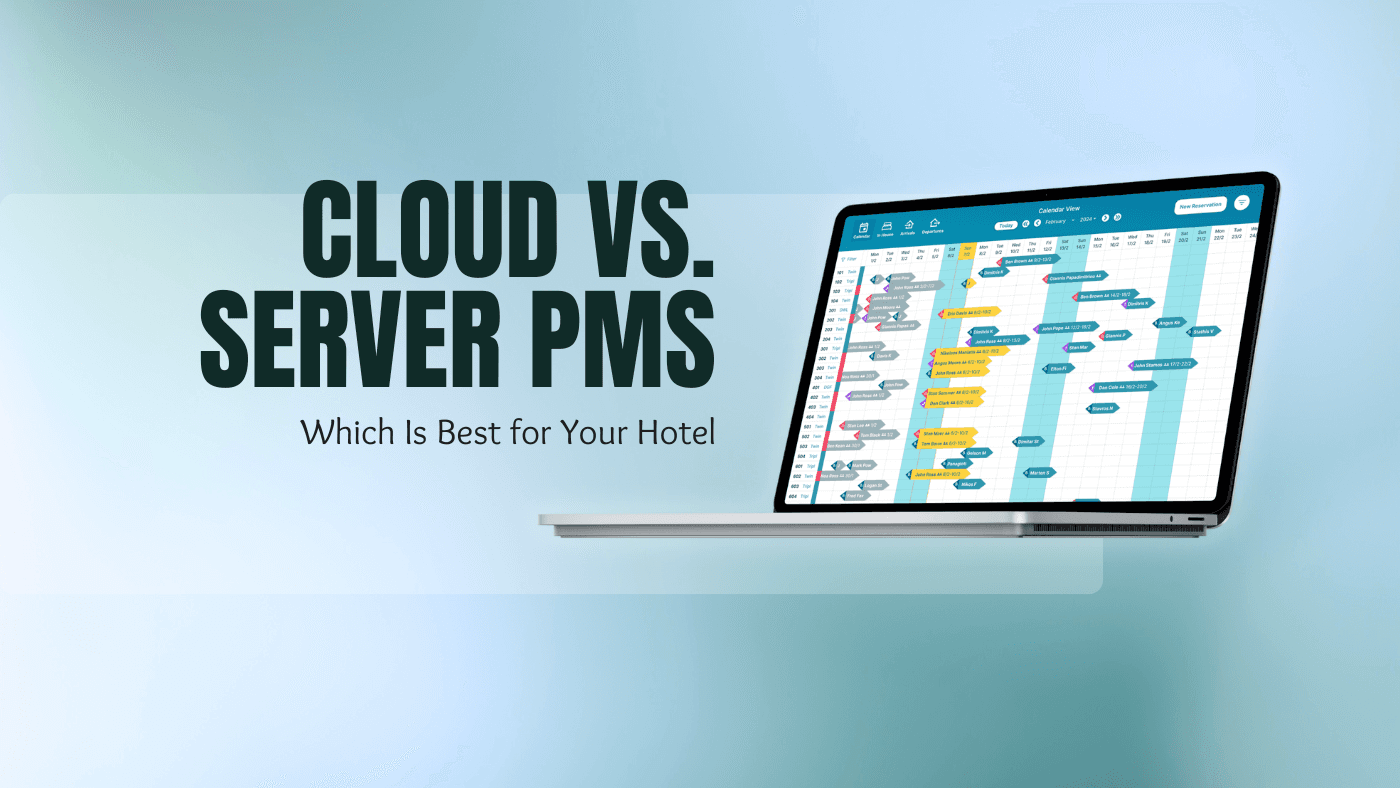
The right property management system (PMS) can streamline hotel operations, save time, and improve guest experiences. But when you're choosing between a cloud PMS and a server or desktop PMS, how do you know which is best for your hotel? Each system has distinct advantages and drawbacks that affect usability, costs, maintenance, and performance.
What is a cloud PMS?
A cloud PMS is hotel management software that runs over the internet instead of on a server in your back office. You open it in a web browser on a laptop, tablet or phone, while the provider hosts your data, runs the backups and ships the updates. A server PMS (often called a desktop PMS) is installed on your own computers, so the hardware and the upkeep are on you.
This article provides a detailed comparison of cloud and desktop PMS options, covering key features, pros and cons, and considerations for making the right decision. By the end, you'll have a clearer understanding of which system suits your property's unique requirements.
Cloud vs. Desktop PMS: The Basics
Before diving into the details, let's clarify what each system offers:
Cloud-Based PMS: Operates via the internet, allowing you to access it on any device with a web browser. Your data is stored on remote servers managed by the PMS provider.
Desktop PMS: Installed locally on computers within your property. Data is stored on your hotel's servers or individual machines, requiring manual backups and updates.
Both systems aim to simplify daily hotel operations, but their differences impact everything from accessibility to costs and scalability.
Feature Breakdown
To help you compare, here's a deeper dive into specific features and how they differ:
Accessibility
- Cloud PMS: Accessible anywhere with internet
- Desktop PMS: Only on installed devices
Setup Costs
- Cloud PMS: Low upfront costs; pay-as-you-go subscription model
- Desktop PMS: Higher initial investment for licenses
Long-Term Costs
- Cloud PMS: Recurring fees; scalable based on needs
- Desktop PMS: No ongoing fees but hardware upgrades add costs
Data Security
- Cloud PMS: Provider handles encryption, backups, and compliance
- Desktop PMS: You are responsible for local data security
Maintenance
- Cloud PMS: Minimal; updates and patches handled by the provider
- Desktop PMS: Requires manual updates and IT staff
Customisation
- Cloud PMS: Limited to provider's options
- Desktop PMS: Can be tailored with in-house expertise
Reliability
- Cloud PMS: Internet-dependent; downtime during outages possible
- Desktop PMS: Works offline, unaffected by connectivity
Advantages of Cloud-Based PMS
1. Anywhere Access:
A major benefit of cloud PMS is its accessibility. You can log in from a laptop, tablet, or smartphone, making it ideal for hoteliers who need to work remotely or manage multiple properties.
2. Automatic Updates:
Cloud-based systems handle all updates and upgrades in the background, saving you time and ensuring you're always using the latest features. There's no downtime or extra cost involved.
3. Flexible Costs:
Cloud PMS providers use a subscription model, which spreads out costs over time. This is particularly appealing for smaller hotels or businesses with limited initial budgets. It is why most PMS for small hotels are now cloud based, with no setup fee and no server sitting behind reception.
4. Built-In Backup and Security:
Your data is automatically backed up and stored securely on the provider's servers. Most providers also comply with data privacy regulations, adding peace of mind.
5. Quick Scalability:
Adding new users, rooms, or features is often as simple as upgrading your subscription plan. This flexibility supports hotels looking to grow or adapt to changing needs.
Disadvantages of Cloud-Based PMS
1. Internet Dependency:
If your property's internet connection is slow or unreliable, using a cloud PMS can be frustrating. Without a stable connection, you risk delays or even losing access to your system temporarily.
2. Long-Term Costs:
While the initial setup is cheaper, the recurring fees can add up, particularly for larger properties with multiple users. Over several years, a cloud PMS could end up costing more than a desktop PMS. On the other hand, you stay ahead with all the technological advances and you need not re-install a new software.
3. Limited Control:
Since your data is stored off-site and managed by the provider, you're reliant on their services for security, backups, and troubleshooting.
Advantages of Desktop PMS
1. Offline Functionality:
A desktop PMS works independently of the internet, which makes it highly reliable in areas with poor connectivity. Your operations won't be disrupted by network outages.
2. One-Time Purchase:
With a desktop system, you typically pay for the software upfront. This eliminates recurring fees, making it a cost-effective option for hoteliers who prefer a one-time investment.
3. Data Control:
All your data is stored locally, giving you full control over security and access. This can be appealing for hotels with strict privacy policies or sensitive guest information.
4. Customisation:
If you have an in-house IT team, a desktop PMS may offer greater flexibility for customisation and integrations with other software.
Disadvantages of Desktop PMS
1. Limited Accessibility:
You can only access the system on devices where it's installed. If you're off-site, you won't have the flexibility of remote access.
2. Higher Upfront Costs:
The initial purchase and setup of a desktop PMS can be expensive. You'll also need to budget for hardware, such as servers or additional computers.
3. Manual Maintenance:
Updates, backups, and security measures must be handled manually, which requires dedicated IT staff or outsourcing to external providers.
4. Difficult Scalability:
Adding new features or users can be challenging and may involve purchasing additional licenses or hardware upgrades.
How to Decide
Here are some key factors to help you make an informed decision:
1. Hotel Size and Type:
- For large properties or chains, cloud systems make managing multiple locations easier.
- For smaller, independent hotels, a desktop PMS might be more cost-effective.
2. Guest Expectations:
- Guests now expect seamless online booking, mobile check-ins, and instant communication. A cloud PMS is better suited to meet these expectations.
3. IT Resources:
- Do you have an in-house IT team to handle desktop maintenance? If not, a cloud system may be the simpler choice.
4. Location:
- Is your hotel in an area with reliable internet? If not, a desktop PMS is a safer bet to avoid disruptions.
5. Future Growth:
- If you're planning to expand, a cloud PMS offers the scalability and flexibility to grow with your business.
Conclusion
Your choice between a cloud or desktop PMS depends on your hotel's operations, budget, and future plans. If you value remote access, scalability, and reduced IT headaches, a cloud PMS is likely the better option. On the other hand, if offline reliability, one-time costs, and full control over data are more important to you, a desktop PMS may be the right fit.
Take the time to evaluate your priorities and weigh the pros and cons carefully. Whichever system you choose, it should enhance your efficiency and provide a better experience for your guests.